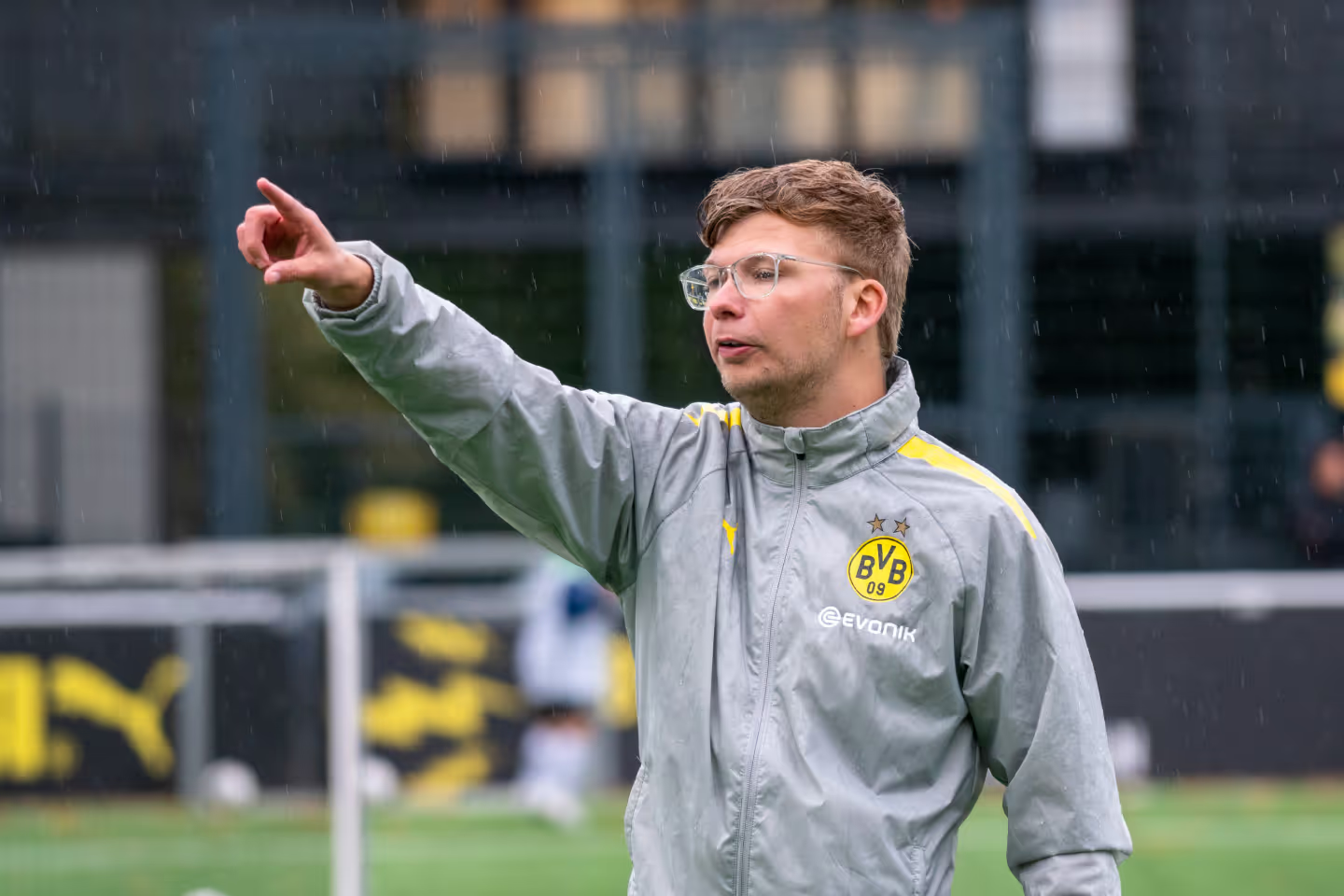
A soccer coach that uses coachbetter to plan his trainings and activities

How to create a task?

How can I create a task or a survey?

📌 Step 1:

  • Click on "Tasks" in the left menu bar.
  • ➕ Select "Add Task".

📝 Step 2:

  • Enter the title, description, target audience, and, assign it to a training.📱
  • If you want to create a survey, add a question type and decide how players should respond to the survey (free text, numbers, or star ratings) 📊.
  • Add the questions
  • Review all details and click "Add." 🔍

📅 Step 3:

  • Your players or their parents will be notified about the new task and can submit their responses through the platform. 📊📅

🎉 Done!

You have successfully created a task on coachbetter.
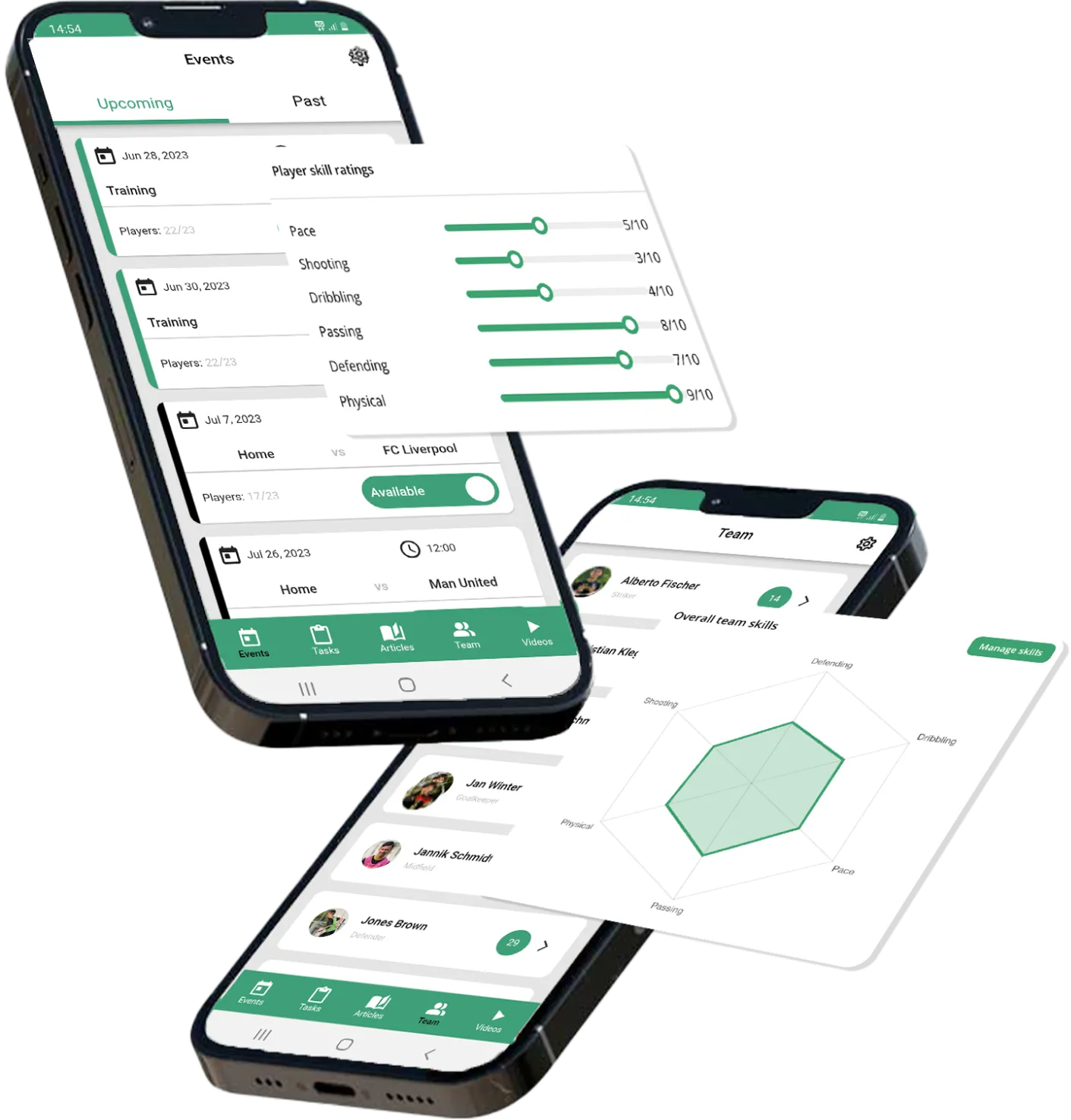
Two phones that show the coachbetter app for football players

Contact

Questions?We’re happy to help!

Smiling man with light brown hair wearing a black hoodie against a light green background.

If you have any questions left regarding the possibilities of our solutions, we’re happy to help you! Just write us a mail with your issue and we’ll get in touch with you as soon as possible.

Patrick Patzig, Co-Founder & CEO

Thank you! Your question has been received! We will reach out to you soon!
Oops! Something went wrong while submitting the form.